
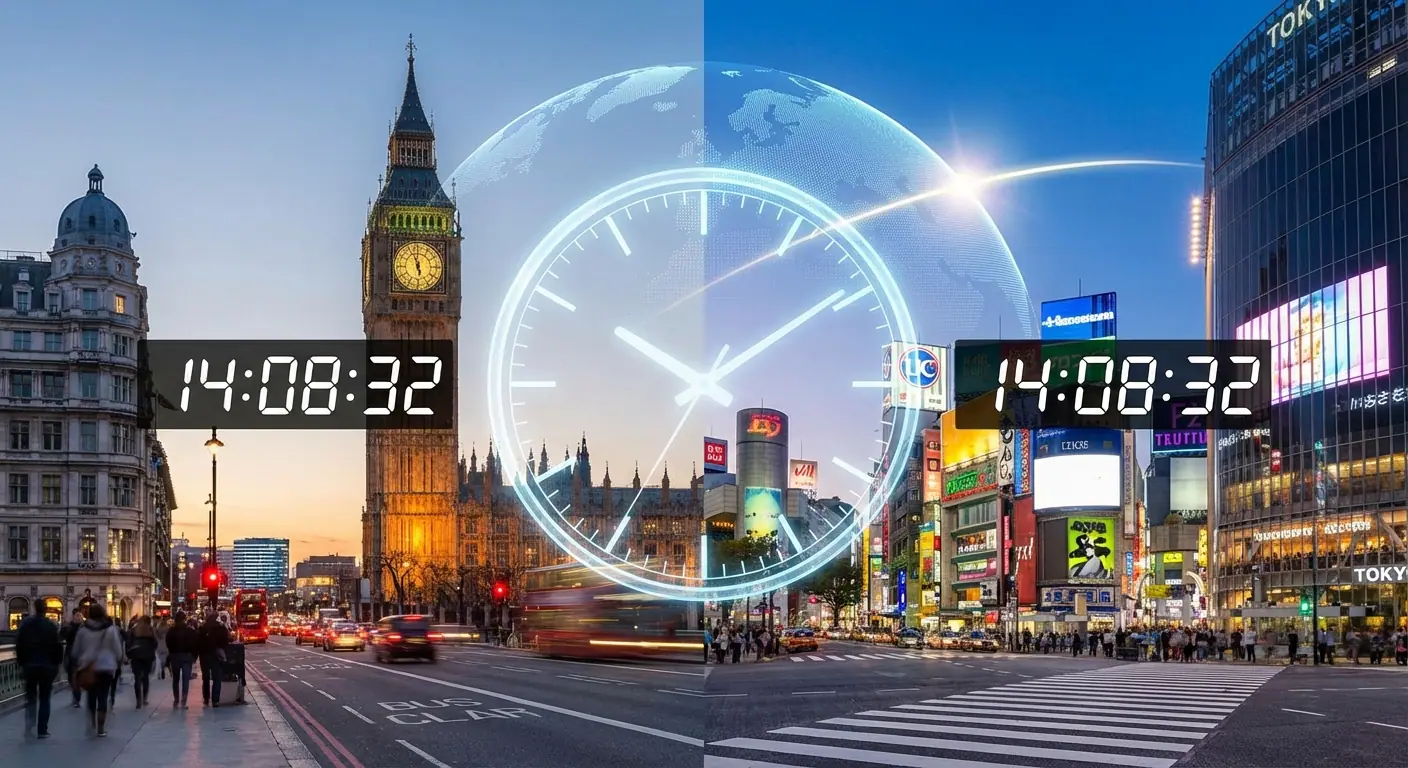
Two places can be thousands of kilometres apart while their clocks show the same local date and minute. iTime.live calls a nearby matching city your Time Twin.
The feature is available from the Current Location page. It combines browser-provided location, IANA timezone formatting, the city directory, and a geographic-distance calculation. The matching work happens in the browser.
Why UTC offset alone is not enough
Timezones are not neat vertical bands. Their boundaries follow political borders, some regions use half-hour or quarter-hour offsets, and Daylight Saving Time changes which cities match during the year.
An offset also does not prove that two places share the same calendar date. Locations on opposite sides of the International Date Line can display the same clock hour on different days. The matcher therefore compares both the local date and local minute.
How the matching algorithm works
- Determine the local timezone: The page uses the timezone supplied by the browser or passed from the location flow.
- Format the current local date and minute: JavaScript's internationalization API formats one instant in the user's timezone.
- Scan the city directory: The same instant is formatted for every supported city. Candidates must match both date and minute.
- Exclude the same nearby location: A city within roughly 50 kilometres using the same timezone is not a useful “twin.”
- Sort by distance: The Haversine formula estimates great-circle distance from the user's coordinates to every matching city. The nearest remaining match is shown.
How the clock comparison is used
When an internet connection is available, the page requests a timestamp from the Cloudflare edge endpoint and estimates network delay. The resulting offset is applied before the comparison. This is an approximate browser clock check, not a direct reading from PTB, NIST, GPS, or another laboratory source.
If the edge request fails, the feature falls back to the device clock. The accuracy methodology explains the uncertainty introduced by network paths, browser scheduling, and display refresh.
Privacy and location
The browser asks for location permission only after the user chooses the location feature. Coordinates are used locally to calculate distance from cities in the bundled directory. When the generic current-location page is needed, coordinates are held in Session Storage rather than added to the URL. iTime.live does not save them in an application database.
Browser geolocation may use GPS, nearby Wi-Fi, mobile networks, or other device and browser signals. iTime.live does not run its own IP-geolocation lookup for the Time Twin calculation.
Why the match can change
A match can change when one city enters or leaves Daylight Saving Time, when the user's location changes, or when the set of supported cities changes. The calculation compares live timezone rules from the browser rather than assuming that an offset is permanent.
Frequently asked questions
Does the feature work away from major cities?
Yes, if the browser can provide a location and timezone. The result is limited to cities in the iTime.live directory.
What happens when no city matches?
The page still shows the user's local-time estimate without naming a Time Twin.
Is the distance exact?
No. Haversine distance is a useful great-circle estimate between coordinates; it is not a road, air, or sailing route.